SASSA Moya App: Check Your Grant Status Data free
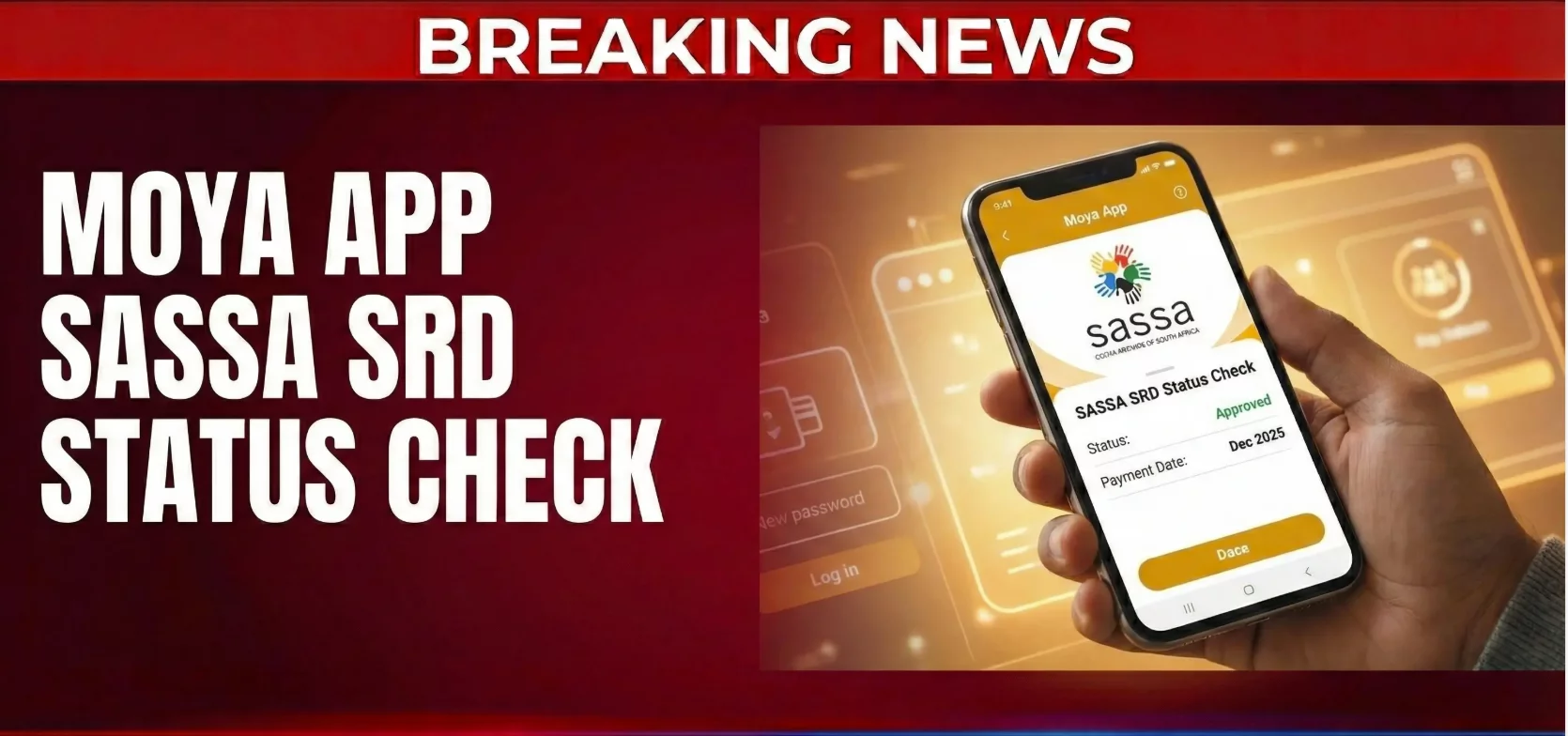
The Moya App is a South African messaging app that lets you chat and use many online services without paying for data. Its best-known feature for grant holders is the free grant check for the SASSA SRD grant. You can open the official grant website inside the app without incurring data costs, so you can check your grant status even when you run out of data.
What Is MoyaApp?
MoyaApp is an all-in-one messaging platform built for South Africans. It is run by Datafree Africa, a private (Pty) company. The app is simple to use and works on the four main mobile network operators: Vodacom, MTN, Cell C and Telkom.
The main idea is easy. On supported mobile networks, chat messaging does not use your data bundle. You do not need airtime or data to send a text message, which is why millions of people use it.
Key Features of MoyaApp
MoyaApp offers much more than chat. Here are the main features:
- Unlimited instant messaging: send text without any data cost.
- Unlimited group chat: talk to family or community groups for free.
- Audio clips: record and send short recordings. Messaging and voice notes work on the same free system.
- Message attachments: sending attachments such as photos is supported, though large files may use data.
- Location sharing: share where you are with friends.
- Contacts sync: the app finds people in your phone book who already use it.
- Automatic end-to-end encryption: the developers say chats are protected, so outsiders cannot read them.
- Voice and video calls: video calling and voice calls are available, but they use mobile data. The app warns you before a call starts.
You can read the app’s privacy policy in the settings menu if you want to know how your data is handled.
Discover: Extra Free Services
The Discover section gives you various data-free online services in one place. Content can change by region and age, but you can usually:
- Read news headlines.
- Browse Wikipedia.
- Check the weather.
- Get live soccer scores.
- See load shedding schedules.
- Find jobs through Plug to Opportunities.
These content services help users stay informed without paying for data.
How to Check Your SRD Status on Moya
Using MoyaApp to check your grant is easy:
- Get MoyaApp from your phone’s store.
- Open the app and register with your phone number.
- Tap the Discover tab.
- Choose the SASSA grant option and then the SRD status check.
- Enter your ID number and phone number.
- Submit to see your result.
You will see if your month is approved, pending or declined. The same section also lets you check your appeal status and look at payment dates.
Can You Apply for SASSA on Moya?
Yes. You can start a grant application through the Moya link to the official SRD site. The app simply opens the official SASSA website at no data cost. It is a conduit, not a government entity, and it is not part of the South African Social Security Agency.
This means all forms, including your bank details, are still handled by the official site.
Payments Inside the App
MoyaPay is a money account inside the app. You can use it to:
- Buy data or airtime.
- Send money to friends and bank accounts.
- Receive payments from other users.
- Pay for prepaid vouchers.
Some features may need extra verification, such as your ID.
How to Download MoyaApp
Android users can find it on apps on Google Play by searching “MoyaApp datafree”. iPhone users can get it from the App Store. If you cannot open the store, look for the official APK for Android on the developer’s own site.
Always install the latest version to get new features and security fixes. You can install it on Wi-Fi first if your data balance is low.
Pros and Cons
Pros
- Free chat on all four networks.
- Datafree access to many useful websites.
- User-friendly design.
- Many positive user reviews on the stores.
Cons
- Calls still use mobile data.
- Large attachment files may not be free.
- Some services may not be available on every phone.
Tips for Safe Use
- Only use the official grant pages linked inside the app.
- Never share your PIN with anyone in a chat.
- Turn on notification alerts so you do not miss important updates.
- Do not give personal details to strangers.
Frequently Asked Questions
Is the Moya App really free?
Messaging is free of data on the main networks. Calls and some large downloads still have data charges.
Is Moya an official government app?
No. It helps people communicate with government services for free, but it is a private app.
Can I check my SRD grant without data?
Yes. The Moya App opens the SRD website without using your data.
Do I need to share your data with family so they can chat?
No. Each person can chat for free on their own phone.
The Moya App is a useful tool for anyone who wants to save money on data while staying in touch with family and grant updates.
The Moya App is a South African messaging app that lets you chat and use many online services without paying for data. Its best-known feature for grant holders is the free grant check for the SASSA SRD grant. You can open the official grant website inside the app without incurring data costs, so you can check your grant status even when you run out of data.
What Is MoyaApp?
MoyaApp is an all-in-one messaging platform built for South Africans. It is run by Datafree Africa, a private (Pty) company. The app is simple to use and works on the four main mobile network operators: Vodacom, MTN, Cell C and Telkom.
The main idea is easy. On supported mobile networks, chat messaging does not use your data bundle. You do not need airtime or data to send a text message, which is why millions of people use it.
Key Features of MoyaApp
MoyaApp offers much more than chat. Here are the main features:
- Unlimited instant messaging: send text without any data cost.
- Unlimited group chat: talk to family or community groups for free.
- Audio clips: record and send short recordings. Messaging and voice notes work on the same free system.
- Message attachments: sending attachments such as photos is supported, though large files may use data.
- Location sharing: share where you are with friends.
- Contacts sync: the app finds people in your phone book who already use it.
- Automatic end-to-end encryption: the developers say chats are protected, so outsiders cannot read them.
- Voice and video calls: video calling and voice calls are available, but they use mobile data. The app warns you before a call starts.
You can read the app’s privacy policy in the settings menu if you want to know how your data is handled.
Discover: Extra Free Services
The Discover section gives you various data-free online services in one place. Content can change by region and age, but you can usually:
- Read news headlines.
- Browse Wikipedia.
- Check the weather.
- Get live soccer scores.
- See load shedding schedules.
- Find jobs through Plug to Opportunities.
These content services help users stay informed without paying for data.
How to Check Your SRD Status on Moya
Using MoyaApp to check your grant is easy:
- Get MoyaApp from your phone’s store.
- Open the app and register with your phone number.
- Tap the Discover tab.
- Choose the SASSA grant option and then the SRD status check.
- Enter your ID number and phone number.
- Submit to see your result.
You will see if your month is approved, pending or declined. The same section also lets you check your appeal status and look at payment dates.
Can You Apply for SASSA on Moya?
Yes. You can start a grant application through the Moya link to the official SRD site. The app simply opens the official SASSA website at no data cost. It is a conduit, not a government entity, and it is not part of the South African Social Security Agency.
This means all forms, including your bank details, are still handled by the official site.
Payments Inside the App
MoyaPay is a money account inside the app. You can use it to:
- Buy data or airtime.
- Send money to friends and bank accounts.
- Receive payments from other users.
- Pay for prepaid vouchers.
Some features may need extra verification, such as your ID.
How to Download MoyaApp
Android users can find it on apps on Google Play by searching “MoyaApp datafree”. iPhone users can get it from the App Store. If you cannot open the store, look for the official APK for Android on the developer’s own site.
Always install the latest version to get new features and security fixes. You can install it on Wi-Fi first if your data balance is low.
Pros and Cons
Pros
- Free chat on all four networks.
- Datafree access to many useful websites.
- User-friendly design.
- Many positive user reviews on the stores.
Cons
- Calls still use mobile data.
- Large attachment files may not be free.
- Some services may not be available on every phone.
Tips for Safe Use
- Only use the official grant pages linked inside the app.
- Never share your PIN with anyone in a chat.
- Turn on notification alerts so you do not miss important updates.
- Do not give personal details to strangers.
Frequently Asked Questions
Is the Moya App really free?
Messaging is free of data on the main networks. Calls and some large downloads still have data charges.
Is Moya an official government app?
No. It helps people communicate with government services for free, but it is a private app.
Can I check my SRD grant without data?
Yes. The Moya App opens the SRD website without using your data.
Do I need to share your data with family so they can chat?
No. Each person can chat for free on their own phone.
The Moya App is a useful tool for anyone who wants to save money on data while staying in touch with family and grant updates.