How to Check Your SASSA Balance and Grant Status Check
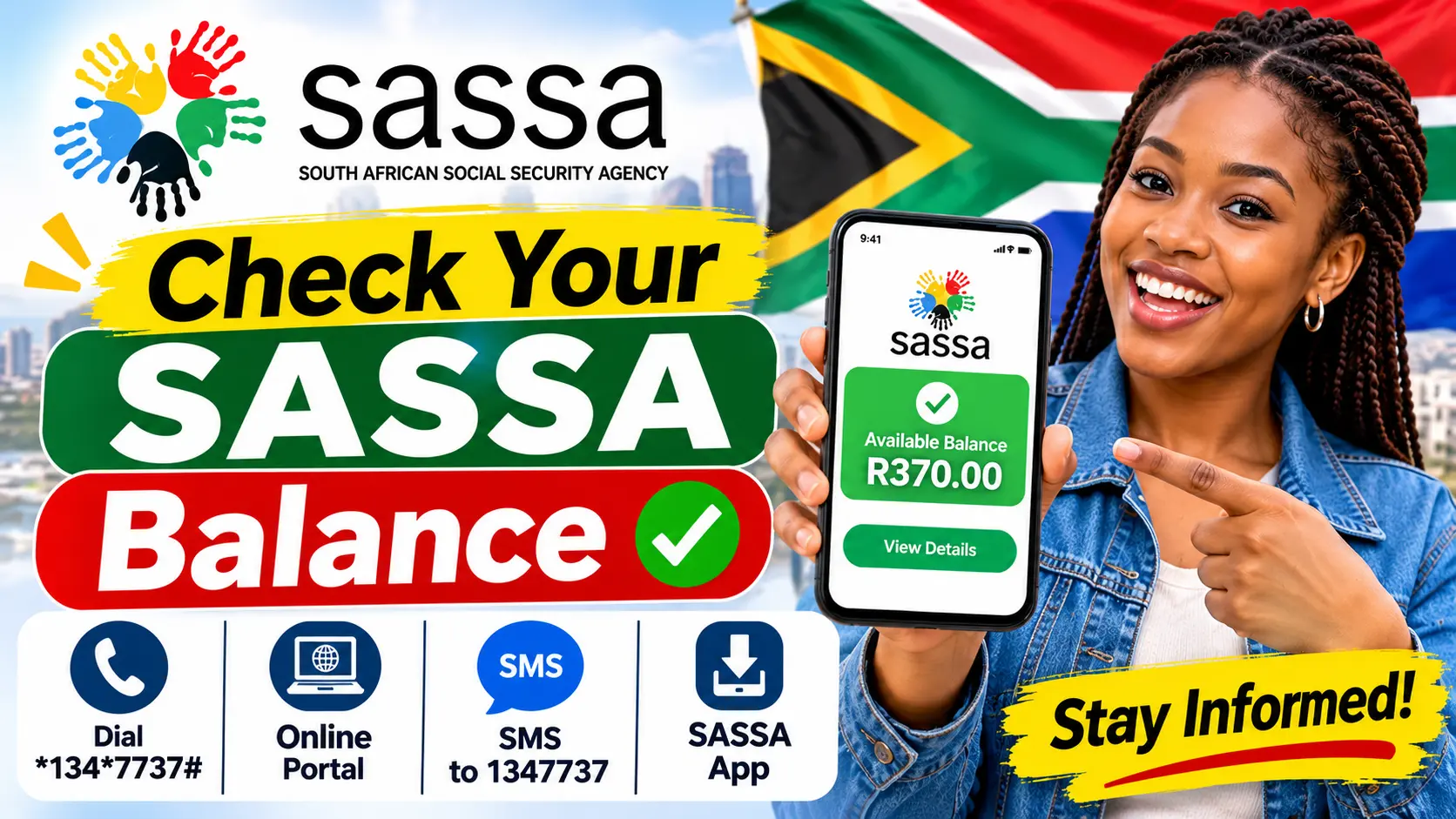
You can check your SASSA balance in a few seconds by dialling *120*3210# or *120*69277# from the cellphone number linked to your Postbank account. You can also check at any ATM, use your banking app, or look at the official SRD status page.
This is an independent guide. It explains each method in simple steps so you can check your SASSA grant balance before you go shopping or queue at a machine.
Why Checking Matters
Knowing how much money is in your account stops declined transactions at the till. It also shows whether your grant is paid yet.
Method 1: Use the USSD Code
The USSD service is the fastest option and works on any mobile phone, even without data.
- Dial *120*3210# or *120*69277# from the number registered with Postbank.
- Choose the balance option from the menu.
- Enter the last digits of your card number or PIN if asked.
- Your account balance will show on the screen within seconds. Some banks also send an SMS.
The USSD code is usually free or costs very little. If the menu does not work, make sure you are using the number you used when applying, as the system matches it to official records.
Method 2: Do a Balance Enquiry at an ATM
- Insert your SASSA card into the machine.
- Type your PIN.
- Select the balance option.
Most banks charge a small fee for this. To save money, check at a Postbank machine or at a till point inside a supermarket.
Method 3: Use Your Banking App
If you receive your SASSA grant in a normal bank account, the bank’s app is the easiest way to see your money. You can also get a notification each time a payout lands. This works for older persons, child grants and the R370 relief.
What to Know About the Gold Card
SASSA Gold Cards stopped working on 31 August 2026. No Gold Card kept working after 31 August 2026, so any old card will show an error at the machine.
If you still have one, collect a free Postbank Black Card at a replacement site. Your money stays safe and moves to the new card.
Checking the SRD R370 Grant
The Social Relief of Distress grant (SRD grant) works a little differently. To check your SASSA SRD R370 balance, you first need to see if the month was approved.
Use the Online Portal
- Go to the official SRD portal.
- Click on the application status section.
- Enter your ID number and phone number.
- Submit to see the result for each month.
This is the best way to check your SRD status and confirm the status of your application. This page also shows the payment date once the month is approved.
Status Meanings for Each Month
When you open your SRD application, the result will be one of these:
- Pending: verification is still running.
- Approved: you qualify for that month, and a pay date will appear soon.
- Declined: your income or records did not meet the rules.
- Approved with a date: the SRD payment is on its way.
SASSA pays this relief towards the last days of the month. Other social grants are paid in the first week.
Check Your Status on WhatsApp
You can also check sassa balance and status details by sending “Hi” to the SASSA WhatsApp number, 082 046 8553. Follow the menu and enter your South African ID number when asked. This shows your grant status and your payment status without visiting an office.
Check Your Status by Phone
If you cannot use the internet, call the SASSA call centre. You can call 0800 60 10 11 on weekdays. The toll-free line 0800 60 10 11 helps with:
- Your current SASSA status and payment questions.
- Lost or stolen cards.
- Updating your mobile number with SASSA.
The helpline is busiest at month start.
What You Need Before You Check
Have these details ready:
- Your South African ID or 13-digit ID.
- The cellphone number linked to your grant application.
- Your card or bank details, if the bank asks.
To use any official SASSA service, type your ID exactly as it appears on your document.
Common Problems and Fixes
The USSD menu does not open. Check that your phone has signal and that you are using the right mobile number.
The balance shows R0. Your grant may not be paid yet. Check the payment date for your grant type.
The status shows approved but no money. Wait a few days. Some banks take time to clear the money.
If none of these steps solve the problem, contact the SASSA office nearest to you or visit the official portal for updates. The Department of Social Development also publishes notices about SASSA payment changes.
Summary
- Use USSD for a quick check on any phone.
- Use an ATM or a balance checker on your phone.
- Use the portal for your monthly status.
- Call or send a message if you need extra help.
A regular status check helps you plan your spending and avoid wasted trips. Check your grant balance first, then go shopping.