SASSA Change Number – How to Update Your SRD Phone Number
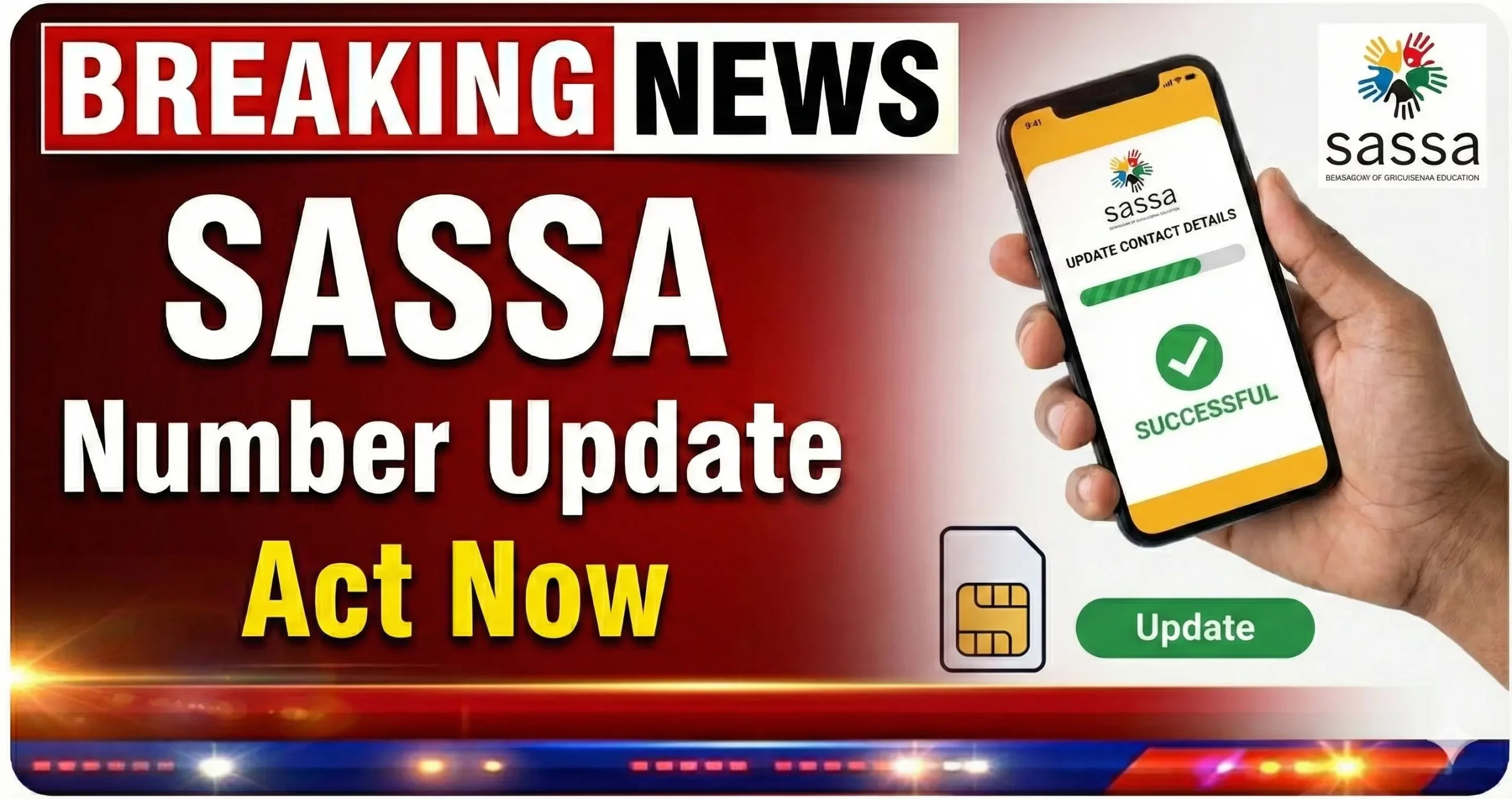
You can switch the phone number on your SRD file with just your 13-digit ID number. You don’t need an application ID, and the old SIM doesn’t have to work. What decides how smooth it goes is whether you’re asked for a face scan, so keep a phone with a front camera nearby.
This guide covers both the do-it-yourself route and the office route.
The South African Social Security Agency uses that line for almost everything. It’s how every recipient receives grant updates, PINs and messages about this small piece of financial assistance for unemployed adults. Many people still call it the 350 grant, though it pays R370 now. A working SIM is essential.
Why the number on your file matters
If your SIM card is gone, you also lose the easiest way to manage your SASSA SRD grant. Any face-scan message would go to a phone you no longer have.
Payments don’t stop, though. Your application stays active, and the money keeps going to the bank account or cash send option you already picked.
Try a SIM swap first
If the line itself is fine but your handset broke or was stolen, ask your network for a SIM swap. If that works, your file needs nothing.
Only use the SASSA form when the old number is gone for good or was captured wrong.
Step-by-step: how to change your number online
Have these ready before you start:
- Your ID
- The last four digits of the account your grant payment goes to (or the bank or store you use for cash send)
- Your new phone number, typed as 082 or 073, not +27
- Open the mobile number form on the official SRD website.
- Enter your ID.
- Pick a reason from the list, such as a fresh handset, a wrongly captured line or a missing phone.
- Fill in your payment option and the last four bank digits.
- Type the replacement cellphone number and submit.
- You’ll get a 4-digit OTP on that line. Key it in.
- If a face-scan text arrives, open it straight away and do the scan.
There’s a limit of one contact request per ID every 24 hours. If an attempt fails, wait a full day before you try again. The whole process is free.
The face scan
It’s triggered case by case, so you can’t count on skipping it either. The scan itself takes under a minute.
This verification matches your face against your Home Affairs photo. If it fails:
- Your face doesn’t match: renew your photo at Home Affairs, then retry after 24 hours.
- There’s no photo on file: have one taken at Home Affairs and wait 48 hours.
- You’ve hit the maximum attempts: go to the nearest office with your ID book for fingerprint checks.
When your old phone is gone
Choose “Lost phone” on the form. You don’t have to remember the old line, so don’t stress if you forget it. The face scan is how SASSA can verify the file is yours, which is why you should expect one on this route.
Requests on this path usually clear within 48 hours, or up to 72 hours when a scan is involved. After that, look at your status with the replacement cellphone to confirm it worked.
When to visit an office
Visit a branch if the scan keeps failing or you don’t own a smartphone. Bring your ID book or smart card and a phone with an active SIM. Office requests take 1 to 5 working days.
No ID either? Take a police affidavit and a temporary ID from Home Affairs.
If someone else switched your number
A stranger’s number on your file usually means someone wants your money. If you received a text with a personal link, open it and type your ID to freeze the request. If you didn’t, call 0800 60 10 11, open a police case and ask your bank and network about any SIM swap.
To protect your identity, never share your ID, PINs or links with anyone. Staff won’t phone you to ask for them.
Ignore paid fixers on Facebook
Some groups offer to assist with your file for a fee. Don’t pay. The form costs nothing, and a stranger holding your PIN can take over your grant.
Quick answers
Do I need my application ID?
You don’t. The form only asks for your 13-digit ID.
Will the SASSA R350 grant money stop while I wait?
It won’t. Payments continue to your registered bank or cash send option while the request is reviewed.
Should I apply again with the fresh number?
Please don’t. One individual should only have one SASSA grant file. A second application won’t also help you. If a month is declined while your file is outdated, you can still appeal once the switch is done.
Where do I find the form?
You can access it only on the official SRD site. Fake pages copy its look.
If you want to change cell details today, have your ID and the last four bank digits ready first. Then keep your contact information up to date after every SIM swap to ensure your contact details and relief money stay linked to you.